

The best tools for
EDUCATORS
From CADimensions
In today’s competitive job market, students need every advantage they can get. We give educators the tools they need to teach complicated subject matter in a way that’s easy to understand, tactile, and practical. The industry leaders of tomorrow learn with SOLIDWORKS, Stratasys, and CADimensions.

Education Hardware
3D printing in the classroom is a great way to introduce or reinforce critical engineering concepts. We’ve compiled some great resources to make it even easier to build lessons, use the machines, and apply for funding.
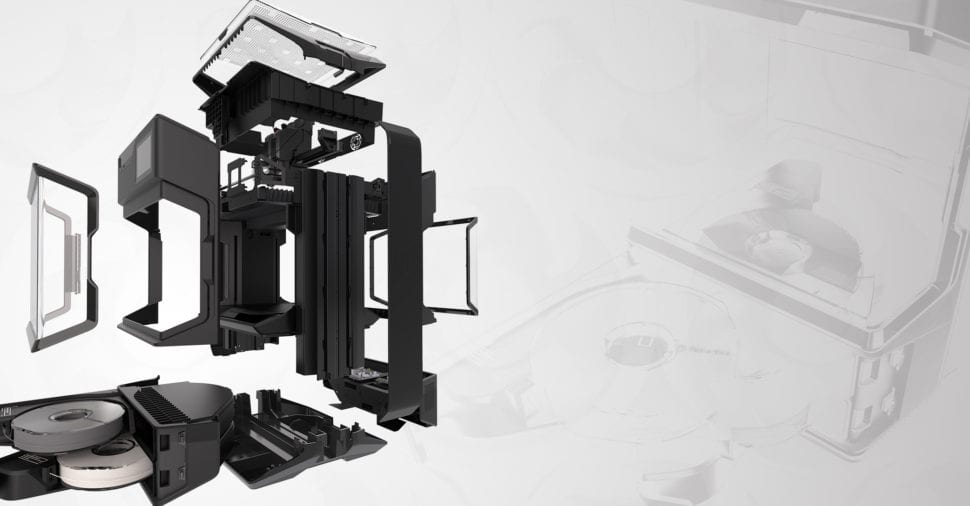

SOLIDWORKS Education Edition
AUTHORIZED SOLIDWORKS PREFERRED EDUCATION RESELLER
The SOLIDWORKS Education Edition is a complete academic bundle: seven professional design tools in a single license, plus nine industry-recognized certifications students can earn while they learn.
Schools license it through CADimensions because software is only part of what a program needs. You also get the built-in curriculum, the certification pathway, and a local partner who handles deployment, faculty training, and ongoing support.
Students work in the same SOLIDWORKS environment engineering firms use every day, which means the skills transfer straight into internships and first jobs.
One license. The entire engineering workflow.
The Education Edition is not a stripped-down student version. Seven professional tools ship together, covering every stage of a real project. A student can sketch a part, test it, program the toolpath, and document it without ever leaving the environment or asking for another subscription.
01
Design
Design Premium
3D CAD with motion study, sustainability analysis, and Toolbox.
02
Analyze
Simulation Premium
FEA and motion analysis for structural testing.
Flow Simulation
CFD with electronics cooling and HVAC modules.
Plastics Premium
Part and mold filling analysis for injection molding.
03
Manufacture
CAM Professional
Integrated design-to-manufacturing toolchain.
04
Communicate
Visualize Professional
Photorealistic rendering and content creation.
Composer
Technical documentation and illustration tools.
Nine certifications. One clear path.
Certification is the part educators tend to underestimate. These are the same credentials working engineers hold, not classroom badges, and a student can earn them progressively across a course sequence. Each level gives them something concrete to put on a resume before they graduate.
LEVEL 01
CSWA
Associate. Proves core modeling competency. Reachable inside a single introductory course.
CSWA Academic
Core CAD fundamentals
CSWA Additive Manufacturing
Design for 3D printing
CSWA Simulation
Introductory analysis
→
LEVEL 02
CSWP
Professional. Advanced parts, assemblies, and design intent. The credential employers recognize on sight.
CSWP Academic
Advanced part and assembly modeling
CSWP Simulation
Structural analysis workflows
CSWP MBD
Model-based definition
→
LEVEL 03
CSWPA
Advanced Specialist. Depth in a chosen discipline. Where a student separates from the pack.
CSWPA Drawing Tools
Detailing and documentation
CSWPA Sheet Metal
Formed and flat pattern parts
CSWPA Weldments
Structural frames and weldment design
Students may take certification exams at no cost when their school is a SOLIDWORKS Academic Certification Provider on active subscription. Minimum license requirements apply. Contact CADimensions to confirm whether your institution qualifies.
Your content goes here. Edit or remove this text inline or in the module Content settings. You can also style every aspect of this content in the module Design settings and even apply custom CSS to this text in the module Advanced settings.
Why schools choose SOLIDWORKS through CADimensions
Choosing a CAD platform and choosing who supports it are separate decisions. Here is the case for both.
WHY SOLIDWORKS
The platform
Industry-standard from day one
Students learn the same platform engineering firms use, so the skills transfer directly instead of needing translation.
Curriculum is already built
Ready-to-use lesson plans, exercises, and projects cut faculty prep time and get a program running in a semester rather than a year.
Local install, full control
Runs on school hardware without constant internet dependency. Update cycles are predictable, and so is the budget line.
It scales with the program
The same license supports an introductory elective and an advanced design sequence, so the software grows with the department instead of being replaced.
WHY CADIMENSIONS
The partner
Support that answers
Dedicated phone and email support staffed by real experts. Not a ticket queue, and not a vendor three time zones away.
Training built around your curriculum
Sessions matched to your course goals and student skill level, plus live webinars and ongoing professional development for faculty.
Licensing and deployment handled
Streamlined procurement, license setup, and lab deployment. The part that usually eats a department’s summer.
We are based in East Syracuse and work with schools across the U.S. Local presence means faster response and someone who knows your program by name.
Education Software
SOLIDWORKS and 3DEXPERIENCE for Educators bring commercial capabilities to the classroom. The full suite of powerful CAD tools is at your fingertips and we’re here to help every step of the way. We’ve listed several handy resources for teachers looking to expand their engineering programs to include SOLIDWORKS.
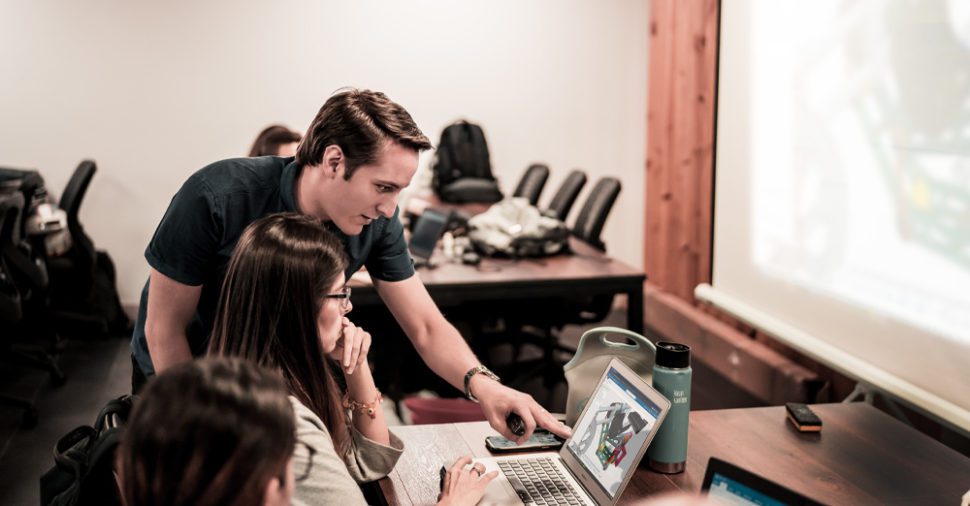
Education Guides

Assist Students In Developing Their First CAD Model With Step-By-Step Instructions & Classroom Activities
A comprehensive teacher’s guide to effectively teach the basics of 3D CAD modeling using the 3DEXPERIENCE platform.
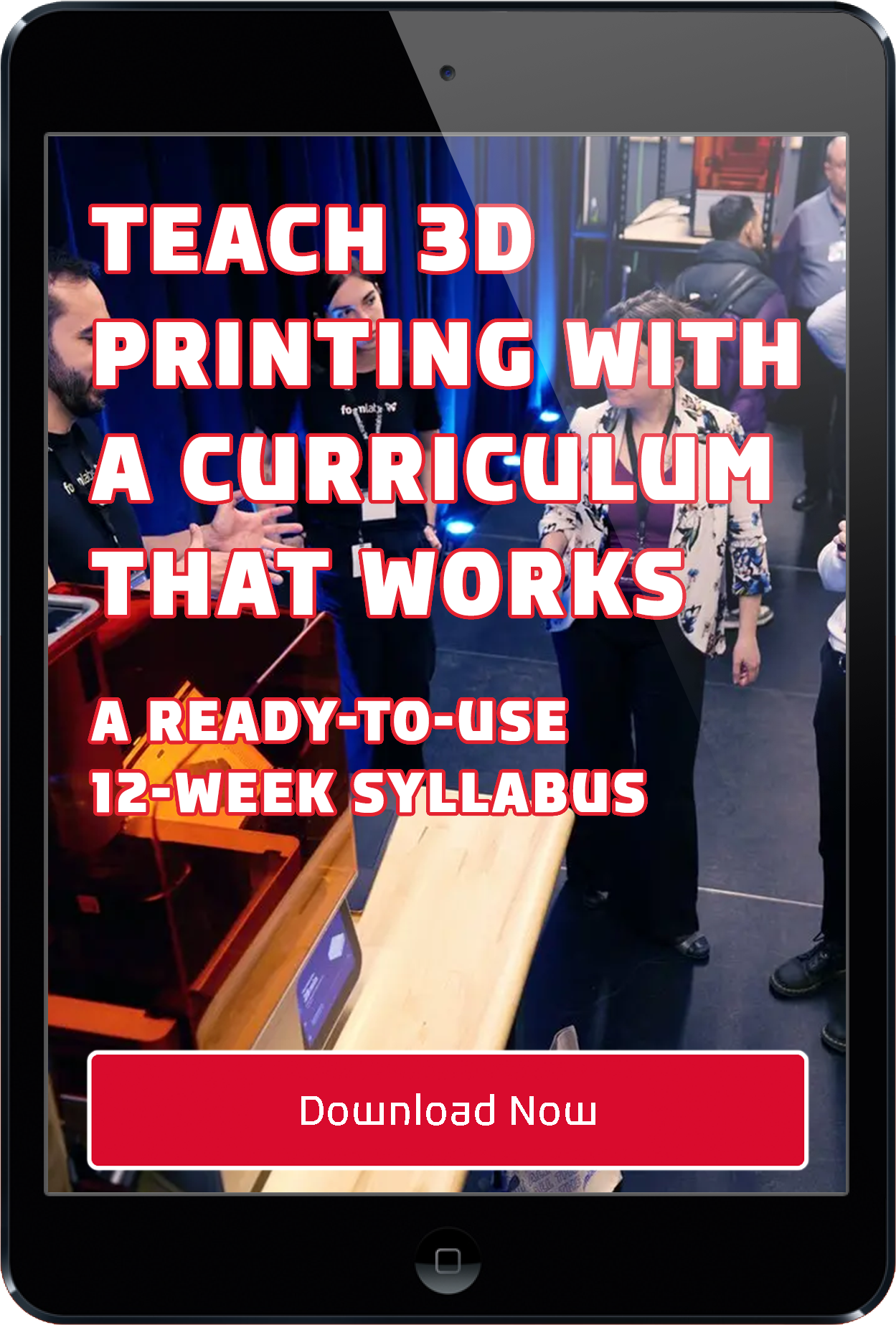
A ready-to-use 12-week syllabus built for higher education.
If you’re building or expanding a 3D printing program, this syllabus gives you a structured starting point backed by Formlabs hardware and CADimensions expertise.
Grant Application Guide: How to Secure Funding for STEM and 3D Printing Programs
Learn how to align your goals with funding priorities, define measurable outcomes, and confidently move from idea to approved grant.
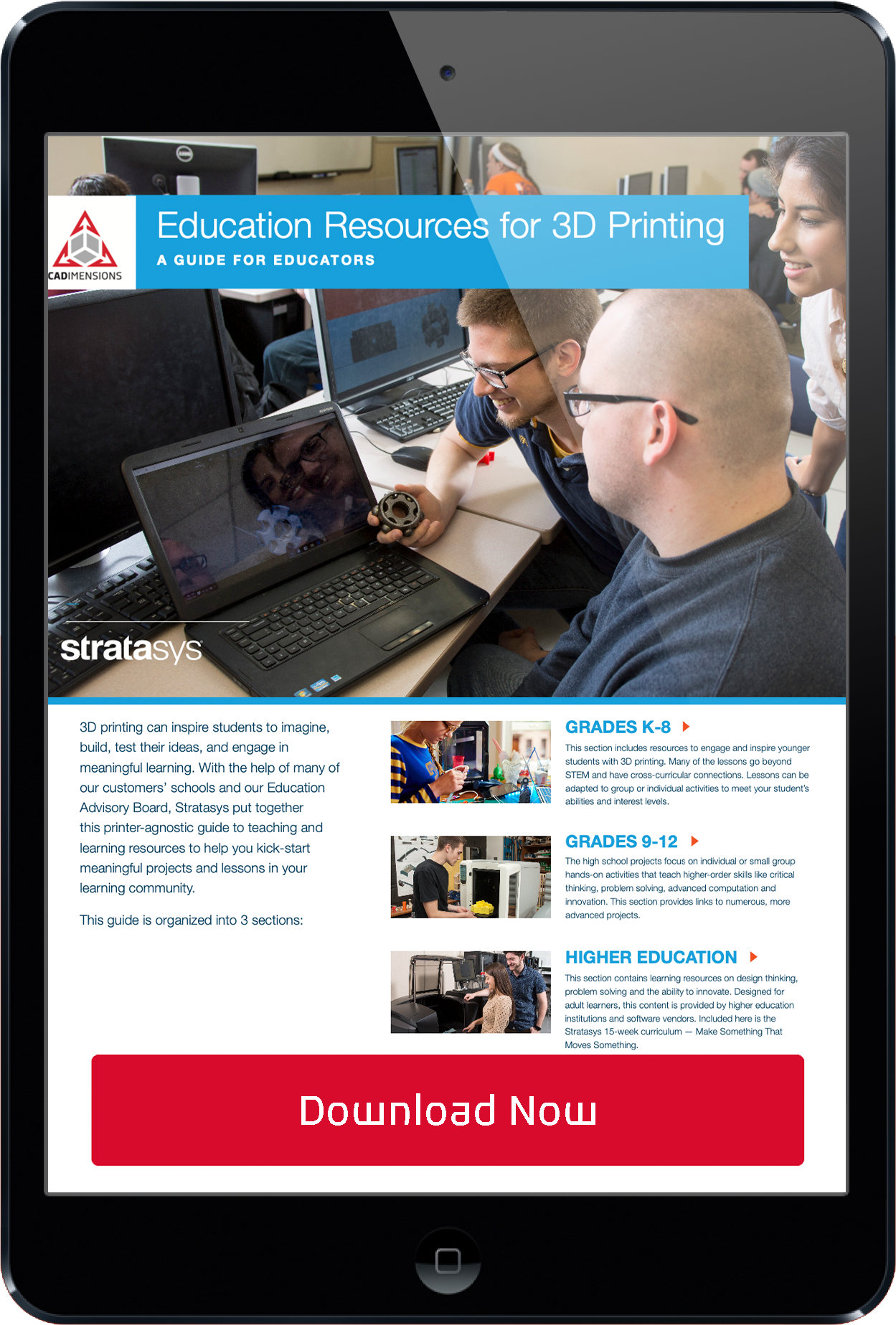
Education Resources for 3D Printing: A Complete Guide For Educators
From beginner lessons to advanced design and engineering concepts, this guide helps you create meaningful, hands-on learning experiences that prepare students for real-world innovation.
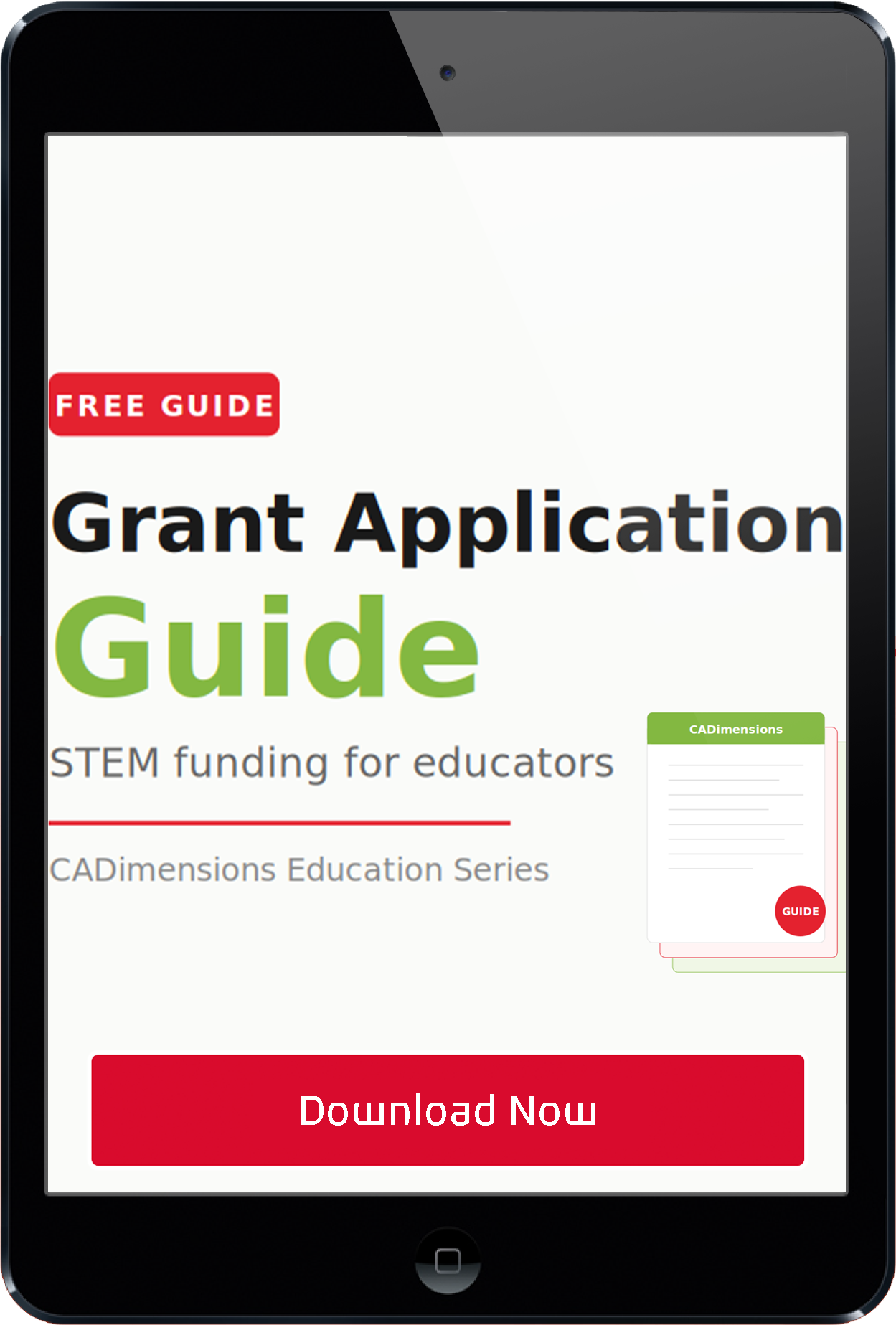
Grant Application Guide: How to Secure Funding for STEM and 3D Printing Programs
Learn how to align your goals with funding priorities, define measurable outcomes, and confidently move from idea to approved grant.
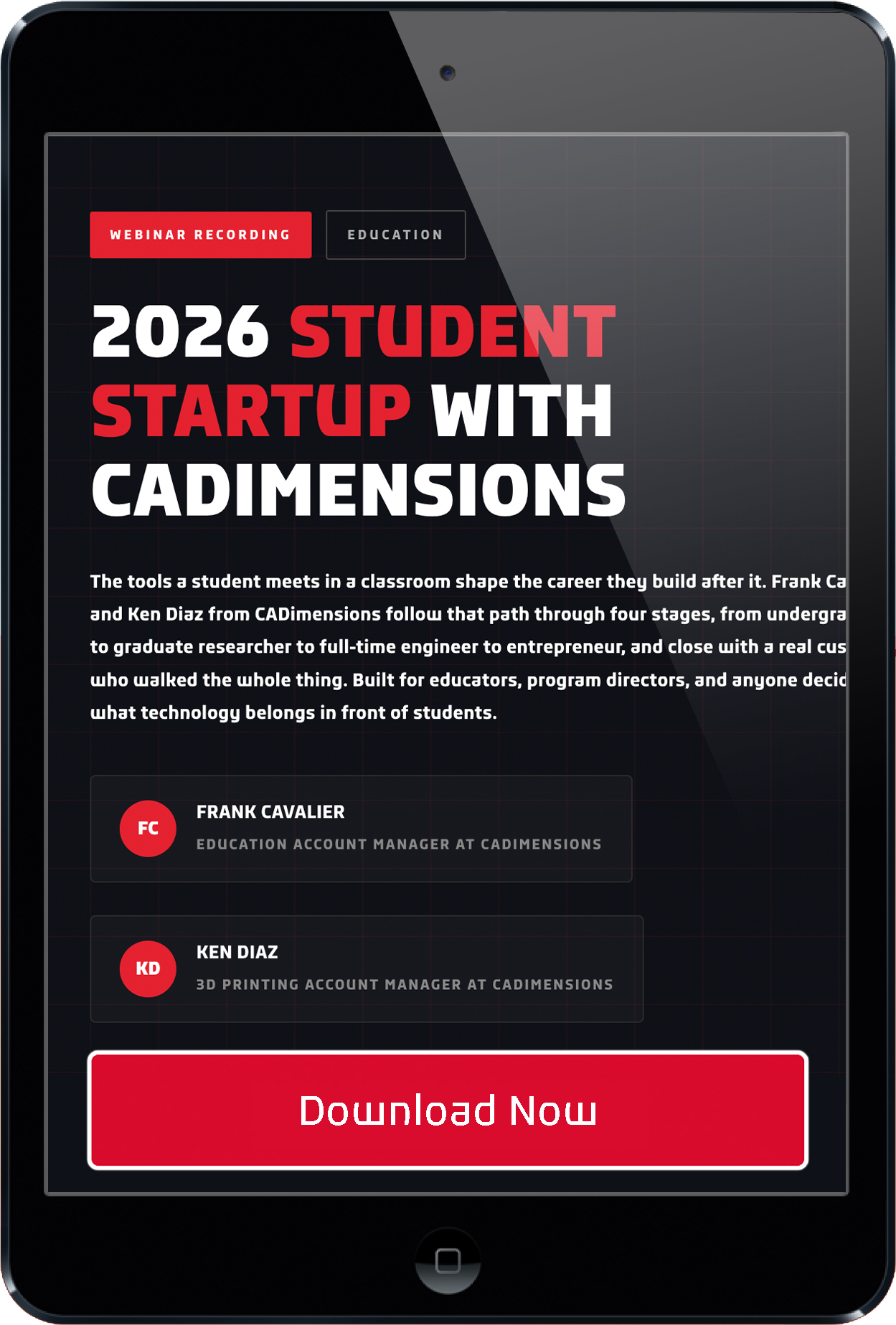
2026 Student Startup With CADimensions
The tools a student meets in a classroom shape the career they build after it. Built for educators, program directors, and anyone deciding what technology belongs in front of students.
New Product Line!
Trotec Laser Laser Cutting and Engraving
SP500
The SP500 laser cutter and engraver is ideal for those who require fast processing of large volumes and/or large surface materials. Its marking area of 1245 x 710 mm (49 x 28 inches) provides enough space for most standard material formats in use today. Despite the large working area, every corner of the interior is easy to access.
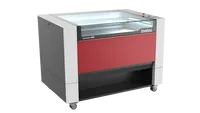
Speedy 400
Trotec’s flagship product in the Speedy line sets the standard with its expansive work area, the industry’s fastest engraving speed and acceleration, coupled with OptiMotion™, SonarTechnology™, HDLR Technology™, and a user-friendly Run on Ruby® touch panel for swift and seamless operation.
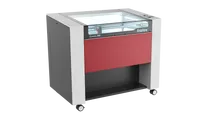
Speedy 360
While offering a slightly smaller work area, the Speedy 360 matches its larger counterpart in productivity and boasts an array of intelligent features, including OptiMotion™, SonarTechnology™, and a user-friendly Run on Ruby® touch panel for efficient operation.
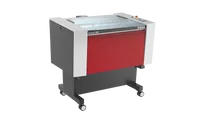
Speedy 300
Combining the reliability of InPack technology with fast engraving speeds, the Speedy 300 delivers exceptional performance within its compact design. Thousands of customers place their trust in the dependability of the Speedy 300.
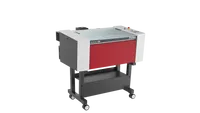
Speedy 100
Ideal for newcomers to the laser business, the Speedy 100 is a compact yet powerful laser cutter, suitable for both stand-alone and desktop applications.
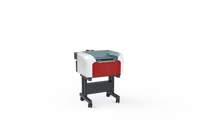
Speedy 50
A small footprint with big capabilities, the Speedy 50 is user-friendly and secure, designed for professional use. It outpaces comparable desktop laser machines from other suppliers by up to 6.5 times in productivity. Speedy 50 is exclusively available with a CO2 laser.
3D Printing Teacher Resources
Educators Guidebook
From MakerBot comes the definitive guide for 3D printing in the classroom. Written in partnership with Thingverse, the projects in here are just the beginning. MakerBot is devoted to the educator community with a focus on machines that are easy to operate, and maintain.

3D Printing for Colleges & Universities
Educators across the country are rushing to implement 3D printing into their curricula and classrooms. This white paper from Stratasys goes over the 5 Best Practices that colleges & universities can apply to bring 3D printing into the classroom.
Secure Funding for your 3D Printer
Budgets are always stretched thin and teachers are called on to do more than ever. So how in the world will you be able to get a 3D printer? This white paper has proven tactics that can help you secure funding for this game-changing technology.
MakerBot Certification for Students
Give middle and high-school students a proven edge with design thinking skills and hands-on 3D printing training. The MakerBot Certification Program for Students truly empowers students with 21st-century career skills and helps set a foundation for measuring STEM proficiency.
Design Guide
A great print starts with a well-designed model that is optimized for 3D printing. Check out the design guide we have created, which details the fine features the Form 1+ SLA 3D printer is capable of printing. Use these guidelines and start designing something amazing.
Ideas to Reality: Lasers for Education
Supporting the requirement for students studying Design and Technology to follow an iterative design process, working to varied contextual challenges and producing real-life product prototypes, a laser cutter is under constant demands in the classroom.

CAD SOFTWARE Teacher Resources
3DEXPERIENCE for Educators
The cloud has come to CAD modeling and the 3DEXPERIENCE is your solution to virtual education. The heart of the 3DEXPERIENCE is collaboration, which naturally makes it a great environment for a virtual classroom. Read this eBook from SOLIDWORKS and see how you can prepare the workforce of tomorrow.
SOLIDWORKS Education Program
CAD professionals don’t just design in today’s dynamic job market. They also test, innovate, visualize, and collaborate to bring new ideas to market and advance their own careers. The SOLIDWORKS Education Program offers students access to interactive, hands-on software that helps them learn critical lessons in design and engineering.
Certifications Set Students Up For Success
The SOLIDWORKS Education Program offers complimentary certification vouchers for students and educators to demonstrate their proficiency. Students with as little as 1-2 years of experience who can demonstrate advanced knowledge of engineering and SOLIDWORKS can find good opportunities as certified users.
Frequently asked questions
What is a SOLIDWORKS Preferred Education Reseller?
A Preferred Education Reseller is authorized to sell, deploy, and support SOLIDWORKS for academic institutions.
CADimensions holds that designation and works with schools across the U.S. on licensing, installation, faculty training, and certification setup.
Are SOLIDWORKS certification exams free for students?
Students may take certification exams at no cost when their school is a SOLIDWORKS Academic Certification Provider on active subscription. Minimum license requirements apply.
CADimensions can confirm whether your institution qualifies and what license count is required.
What is the SOLIDWORKS certification pathway?
The pathway runs CSWA to CSWP to CSWPA.
CSWA is the associate credential and proves core modeling competency, which a student can typically reach inside an introductory course. CSWP is the professional level, covering advanced parts, assemblies, and design intent. CSWPA is the advanced specialist tier, where a student picks a discipline such as sheet metal, weldments, or drawing tools and demonstrates depth in it.
Each level is a separate credential, so the pathway also works as a progression map for a multi-semester course sequence.
What SOLIDWORKS certifications can students earn?
There are nine certification exams across three levels.
Associate level includes CSWA Academic, CSWA Additive Manufacturing, and CSWA Simulation. Professional level includes CSWP Academic, CSWP Simulation, and CSWP MBD. Advanced Specialist level includes CSWPA Drawing Tools, CSWPA Sheet Metal, and CSWPA Weldments.
What is included in the SOLIDWORKS Education Edition?
The SOLIDWORKS Education Edition includes seven professional tools in a single academic license: Design Premium, Simulation Premium, Flow Simulation, Plastics Premium, CAM Professional, Visualize Professional, and Composer.
That covers 3D CAD modeling, structural and motion analysis, computational fluid dynamics, injection molding analysis, CNC programming, photorealistic rendering, and technical documentation. A student can carry one project from concept through simulation to a machined part without leaving the environment.
How can CADimensions help schools bring 3D printing into the classroom?
CADimensions helps schools choose the right 3D printing tools, learning resources, and licensing for their program. The goal is to make 3D printing easier to teach, easier to fund, and easier to use with students.
You can use 3D printing to teach engineering concepts in a hands-on way. Students can design a model, print it, test it, and learn from the result. That makes abstract ideas more practical.
What is the best way to start a 3D printing program at a school?
Start with the learning goals, not the printer. Decide what students need to learn, what types of projects they will complete, and how often the equipment will be used.
From there, you can choose hardware, software, materials, training resources, and a support plan that fit the classroom. CADimensions can help schools work through those choices before they invest.
Is 3D printing useful for middle school and high school students?
Yes. 3D printing gives middle school and high school students a practical way to learn design thinking, problem solving, and STEM skills.
Students can move from an idea to a physical part. That process helps them understand design, measurement, iteration, and real-world constraints. It also gives them experience with tools used in engineering and manufacturing careers.
How can colleges and universities use 3D printing in their programs?
Colleges and universities can use 3D printing in engineering, design, manufacturing, architecture, medical, and research programs.
A structured 3D printing curriculum helps students learn how to design for additive manufacturing, prepare files, choose materials, and evaluate printed parts. CADimensions also provides a 12-week syllabus resource for higher education programs that are building or expanding 3D printing coursework.
What CAD software can educators use with CADimensions?
Educators can use SOLIDWORKS and 3DEXPERIENCE tools to teach 3D CAD modeling, design, collaboration, and engineering workflows.
These tools help students build skills on professional software. That matters because students are not just learning classroom theory. They are learning tools and workflows used by engineers, designers, and manufacturers.
What is 3DEXPERIENCE for educators?
3DEXPERIENCE for educators is a cloud-based platform for CAD modeling and collaboration.
It can help support virtual learning, classroom projects, and team-based design work. Students can work together in a shared environment while learning the basics of 3D modeling and product development.
Does CADimensions provide lesson or curriculum resources?
Yes. CADimensions provides education guides, classroom activities, teacher resources, and downloadable learning materials.
These resources can help educators teach 3D CAD modeling, introduce 3D printing, build student projects, and structure a course. That way, you are not starting from a blank page.
Can CADimensions help teachers get funding for 3D printers?
Yes. CADimensions provides funding resources that help educators make the case for 3D printing in the classroom.
A strong funding request should connect the printer to student outcomes. That can include STEM proficiency, design thinking, career readiness, hands-on learning, and support for engineering or manufacturing pathways.
What student certifications are available?
Students can use certification programs to show proficiency in design, engineering, CAD, and 3D printing concepts.
Certification gives students something practical to point to when applying for internships, college programs, or technical roles. It also helps educators measure progress beyond a finished classroom project.
Can laser cutting and engraving be used in education?
Yes. Laser cutting and engraving can support design, technology, engineering, art, prototyping, and fabrication courses.
Students can use lasers to create prototypes, models, project parts, and finished designs. This helps them follow an iterative design process and produce real physical work from their digital designs.
How do I choose between 3D printing, CAD software, and laser equipment for a classroom?
Choose based on what students need to learn.
Use CAD software when students need to build digital design skills. Use 3D printing when they need to test physical parts and understand engineering concepts. Use laser cutting when they need fast fabrication, engraving, prototyping, or design-and-technology projects.
Most programs need a mix over time. CADimensions can help map the tools to your curriculum, budget, and space.
Does CADimensions help with hardware and licensing setup?
Yes. CADimensions can help schools choose the right hardware and licensing for their institution.
That includes matching tools to classroom goals, student skill level, available space, and budget. The point is to set up a program that teachers can actually use, not just buy equipment that sits in a lab.
How do I get started with CADimensions education solutions?
Request an Education Technology CONSULTATION
Sign up here to schedule a consultation with one of our friendly and knowledgeable representatives and we’ll help you set up the right hardware and licensing at a price that’s right for your institution.
